

Igor Web provides installation, maintenance and administration solutions for Ubuntu-based systems.
Ubuntu is a family of free and open-source operating systems being actively developed by Canonical. It is a sound choice for professional as well as for individuals, but also for specialized cases such as multimedia creators, musicians, scientists and education profesionals.
Imagine replacing Windows 10 or 11 by a free operating system, which gives you better performance and respects your privacy, while still keeping compatibility will most of your applications and software : that's waht Ubuntu can do for you.
Why choose Ubuntu ?
Who is Ubuntu for ?
Ubuntu and its "flavors" (Kubuntu, Xubuntu, Edubuntu…) is aimed at all types of users and almost every use case. It is one of the broadest Linux distribution in term of scope, being at the same time very accesible for beginers, and powerful for advanced users.
-
For home users : boost your privacy and your computer's performance.Ubuntu and its flavors don't requir you to setup an online account or subscription to benefit from their features, and they don't collect your user data, nor they send you ads. Moreover, background processes are limited to what is really needed by the system, thus enhacing your computer's performance !
for daily home usage, Ubuntu is the perfect choice for all those who want to take back controle of their computer, withotu getting lost in complex setings. -
For professionals : direct integration with enterprise applications.Ubuntu lets you connect with most online collobartive productivty tools. Your computer can directetcly be connected to your orgnization's Microsoft 365 or Google Workspace account, letting your start working right away.
Canonical also offers expert support service with its Ubuntu Pro solution, giving 24/7 support to your machine and IT infrastructure, and peace of minde to your organization. -
For scientists : thousands of open-source tools.Ubuntu is being used in many laboratories across the globe ! The reason : myraids of open-source scientific tools are freely available, and being developped, for the operating system. Moreove, Ubuntu being a stable system, most scientific applications can predictably remain functionnal even after software updates over the years ! And if not, updates are always optionnal and a Ubuntu system can keep running for years without one.

-
For gamers, good performance and compatibility.From its inception, Ubuntu always chose maximal compatibility with proprietary software and hardware (i.e. : not open-source), which means that it is comatible with almost every GPU, and peripheral nowadays, and offers performances that often surpasses Windows. Ubuntu is now (and has been since at least 2016) a realistic choic for gamers looking for an open-source operating system, knowing that there is always th epossibility of keeping a Windows installation in a dual boot for the few remaining games that don't cooperate with Linux (mostly games with jkernel-leve anti cheat like PUBG).
-
For creators and artists : intuivite workflow to boost your creativity.Ubuntu offers a special flavor (version) for multimedia creators : Ubuntu Studio, but even the base version is ideal for creative minds. The system offers several free and efficient tools for imae and video editing, audio processing, digital drawing and 3D creation. Most draxing tablets are supported out-of-the box (and drviers are available for more advanced models), and most of all : the different desktop environements (Gnome, KDE, Budgie, ...) adapt to your creative and artistic workflow and never get in your way. Let your creativity soar with Ubuntu !
-
For developpers : all Canoncial solutions.If you're a developper, you probably know about it already... Ubuntu comes budnled with all the tools you need to start developping : IDEs, container solutions, git, it's all included or installed in a single command. (Ok, two if you're a purist of
apt..). This distribution also supports the latest innovations in containerization such as LXD and system containers, a free and open-source solution developped by Canonical, as well as more "traditionnal" (if we can say so) tools such as Docker, Podman, LXD and kernel level virtualiation with KVM.
Ubuntu is a good choice for anyone looking to learn more about Linux, or use it as a daily driver, without neglecting more advanced use cases
But Ubuntu is also a wise choice thanks to its huge community.
Ubuntu is indeed a Bantu word meaning approximatively "I am because you are" or "humanity". And this root shows in the fact that Ubuntu was always backed by a huge community of users and developpers always ready to help out newcomers and seasonned users alike. The Ubuntu community provides tutorials, documentation, forums and guide in amny langaues for free.
While using Linux for daily usage is rather simple, one can always need some tutorials of guides when looking to use more advanced functions (such as setting up a local server or containers). One of the strenghts of Ubuntu is tha most Linux tutorials have been written with Ubuntu, or Debian-based systems in mind. (Debian is "the mother" of Ubuntu and works almost like it). With Ubuntu you're almost guaranteed to find solutions online.
It's an excellent system to learn how to use Linux, knowing that when you get some experience, you can easily adapt what you have learnt on Ubuntu to different systems, such as Fedora or openSUSE who work differently than Debian-based distributions.
As any Linux system, Ubuntu is almost completely customizable.
When we say customizable, it means much more than just changing your wallpaper, as with most Linux distributions, you can turn your computer into alsmost anything.
For instance, if you first setup your computer as a typical office desktop, and later want to set it up as a server, withtout GUI or desktop environment, you can do it, simply deactivating the graphical interface ant installing the various services with which you will interact with the other machines in your LAN.
Wish to turn a mini PC into a media center ? It's also possible with Ubuntu, the operaitng system is not locked down and you can shape it according to your goals.
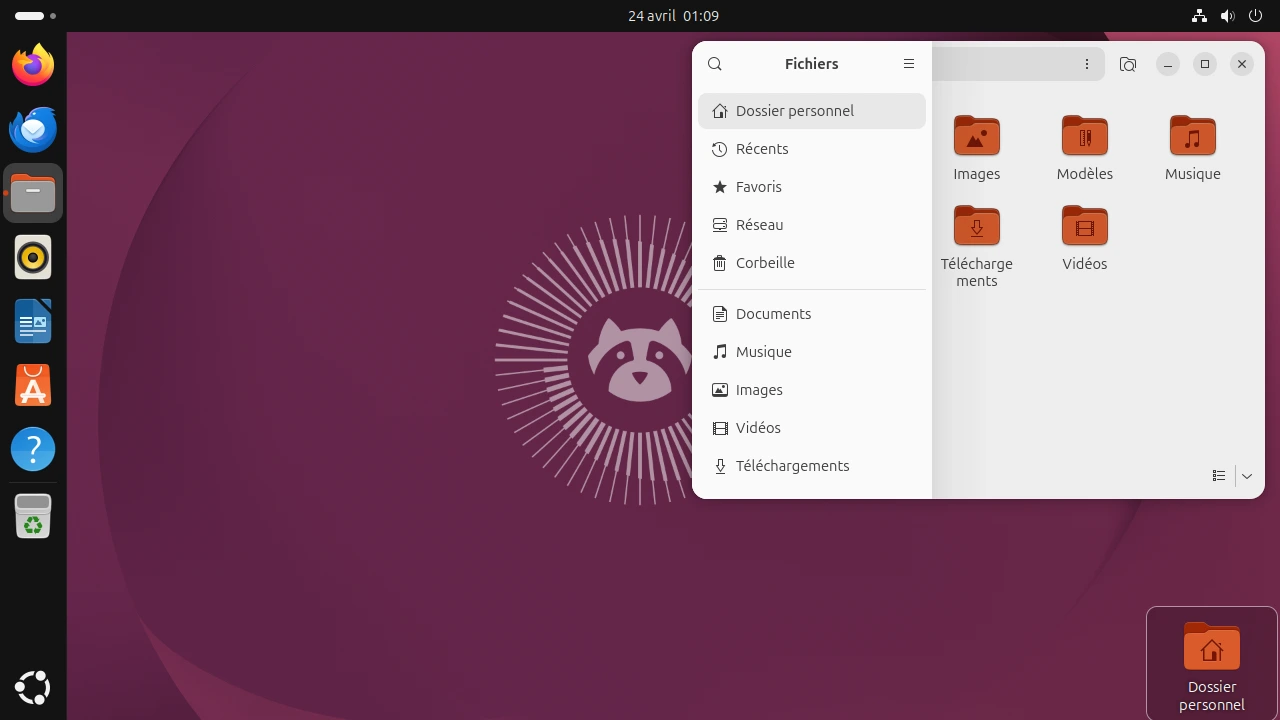
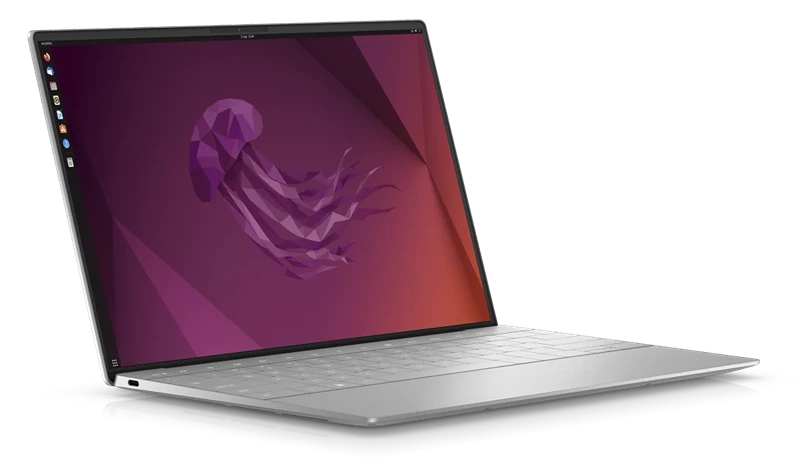
The GNOME desktop on Ubuntu 26.04
Click on picture to enlarge it.
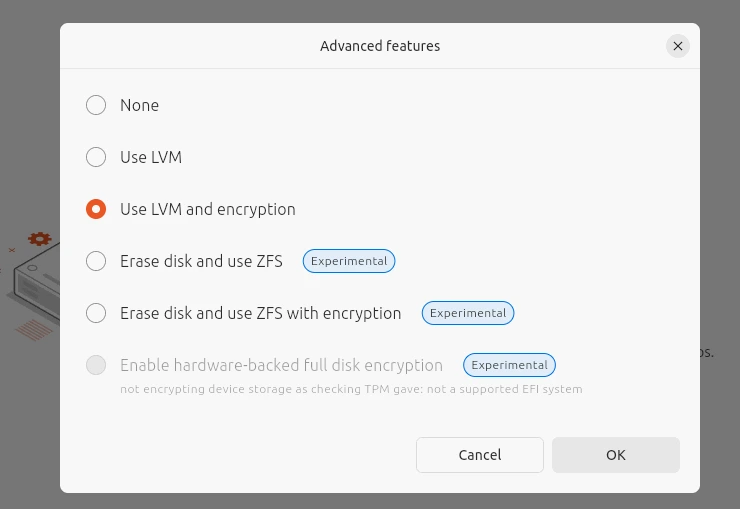
You can encypt your disks during setup for more secuiryt.
Click on picture to enlarge it.
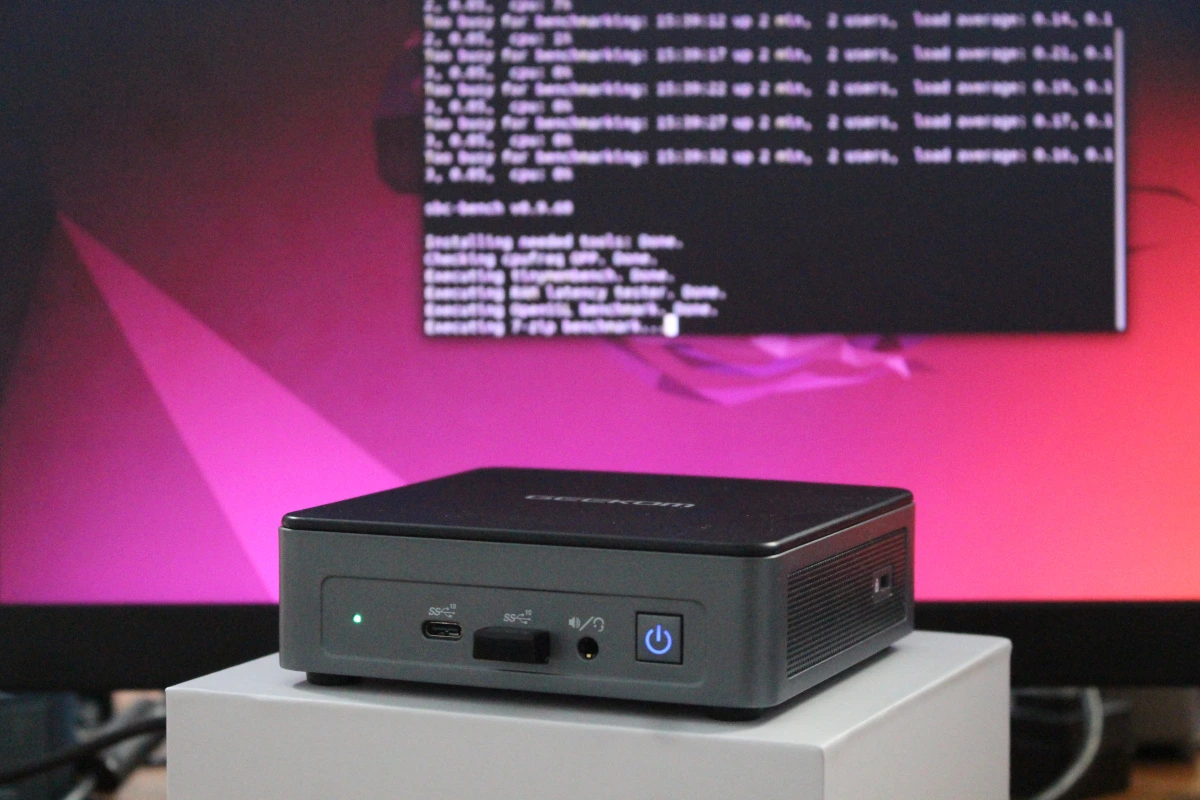
Even mini PCs withotu much power can run Ubuntu smoothly.
Click on picture to enlarge it.
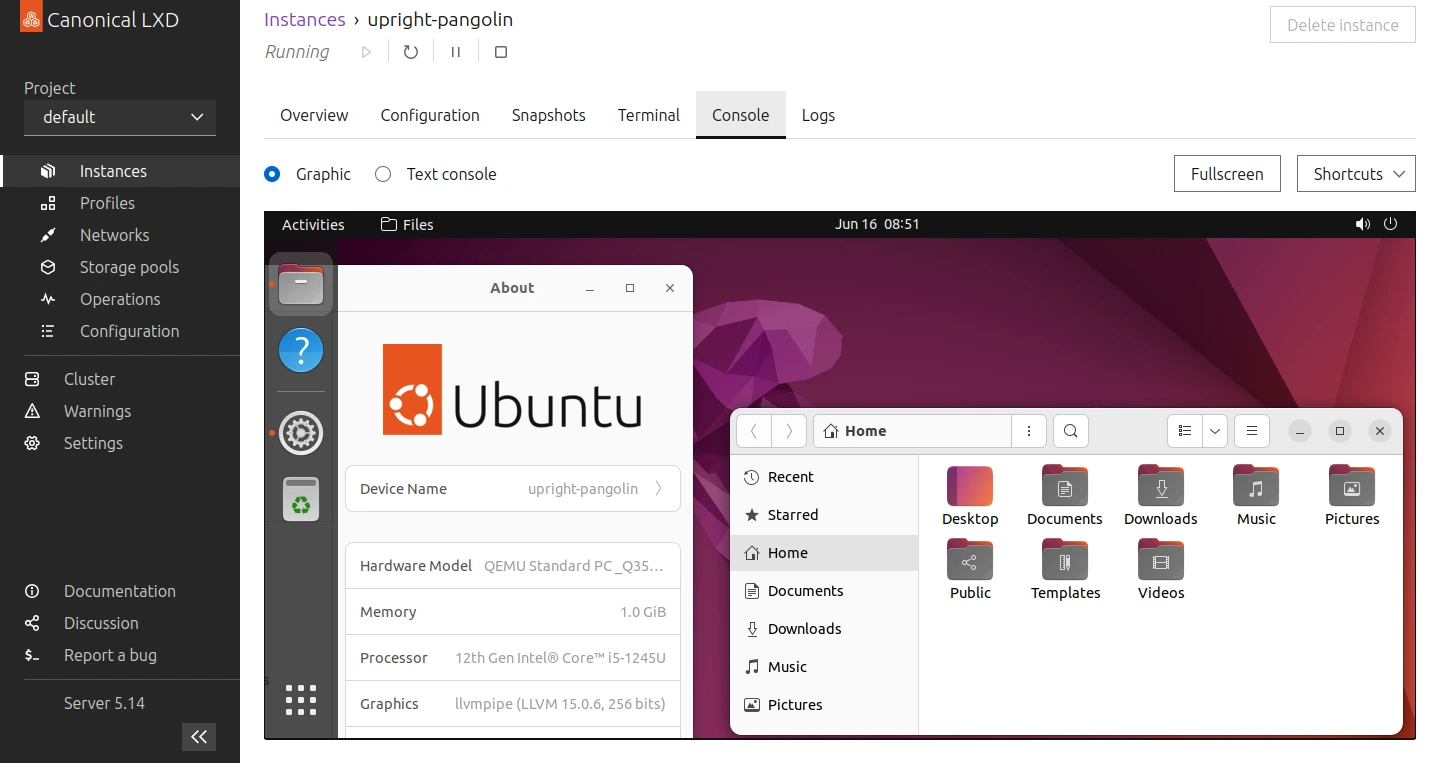
For virtualization experts, Ubuntu provides LXD, letting you manage system containers and VMs in a centralized Web interface.
Click on picture to enlarge it.
All these reasons make Ubuntu a wise choice, but let's see some frequently asked questions on the subject :
-
PWhy are there other versions ? Kubuntu, Lubuntu, Xubuntu for instance ?
The major difference lies in the desktop environment (DE) these versions use. Ubuntu comes with Gnome, a minimalist and productivity-orientend DE, while Kubuntu comes with KDE, which is more about deep customization and powerful features, with a traditionnal experience (i.e. : close to Windows, while Gnome is more similar to MacOS).
The various versions (or flavors) also come with different software, such as Ubuntu Studio which comes bundled with hundres of multimedia tools pre-configured. -
Can I try Ubuntu without losing my Windows license ?
Yes, you can try Ubuntu by installing it side-by-side along Windows (we call this a dual-boot), try it from a live environment without installing it (it boots from a USB drive), or even try it in a virutal machine.
-
Will all my Widnows applications work ?
Nowadays, there are Linux (and especially Ubuntu) versions of most applications and programs.
In the rare cases where there are non, a utility called WINE (WINE Is Not a Emulator) acts as a compatibility layer to allow you to run Windows executables on Linux.
In the even rarer cases where this doesnt work (most often it's when USB connections are in the mix), we advise you to keep a Windows installation in dual-boot, or to use a Windows virutal machine on Ubuntu. -
Ubuntu is free, is that really professional ?
For professional users or people needing 24/7 uptime, Ubuntu offers the Ubuntu Pro subscription, adding and extra layer of security by providing additional patches and security updatesn as well as 24/7 support for your subscribed machines.
For a business looking for strong security and uptime, this is a smart choice. -
Will my peripherals and hardware work ? Especially my GPU...
It's been many years now that Ubuntu provides support for proprietary GPUs and other peripherals. (AMD GPUs were alwyas natively supports, but nowadays nVidia is also a good choice).
Most printers are also supported out-of-the-box, and anyway most printer makers provide Linux drivers for their hardware as many large corporation who print copious amount of paperwork run on Linux exclusively (Hospitals, government agencies in some countries, schools, banks, etc, all often use Linux for its stability and data privacy.)
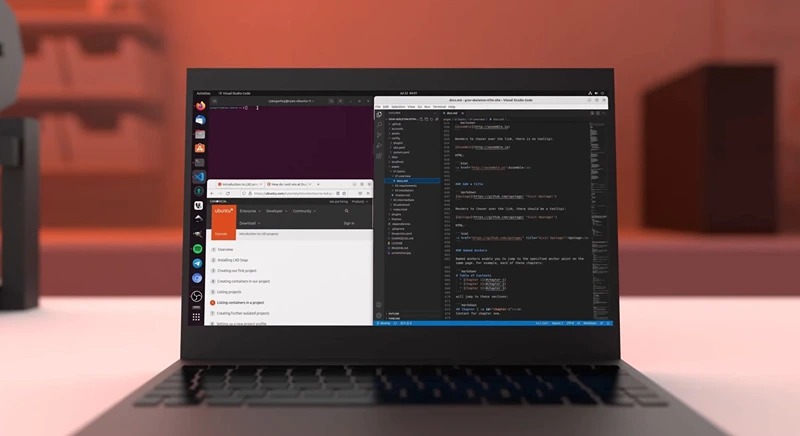
To conclude, Ubuntu is a truly wise choice for home users and businesses as well.
This operaitng system is perfect for all those who want to boost their productivity and privacy, but also for the open-source enthusiasts who wish to use free software. It is also a greate gateway to the world of Linux and cmpputing in general, and a reliable option for all those who dream of a computer that "just works".