

If you've ever spent time looking at all the Ubuntu flavors, you might have heard of Ubuntu Studio. This version comes from mainstream Ubuntu, and is specially developed for multimedia creators and artists.
Let's see together what makes Ubuntu Studio unique, and who it's best suited for !
What is Ubuntu Studio ?
Ubuntu Studio is one of the most original flavors of Ubuntu, as it can turn your computer into a full-fledged multimedia creativity workstation. While versions such as Kubuntu, Lubuntu or Xubuntu are more about using a different desktop environment (KDE, LxQT et XFCE respectively), Ubuntu Studio for its part is about unique functionalities and use case.
Indeed, Ubuntu Studio is rather typical on the technical side of things (it's very close to Kubuntu), but offers a very wide variety and choice of preinstalled applications and software. With Ubuntu Studio, you get access to everything you need for image, video, 3D and audio editing, out-of-the-box and pre configured, without having to install packages (on Linux, software is composed of packages made of binaries and dependencies), which means you can start creating right away.
Under the hood, the kernel has been a bit modified, especially to allow latency-free audio processing. You could do it on a regular Linux distro, but with Ubuntu Studio all the tedious work is already done for you, which saves you time and headaches.
Who is Ubuntu Studio meant for ?
For designers and artists.
Thanks to Ubuntu Studio's included drivers, your drawing pad is automatically discovered and ready to function, letting you start drawing right away.
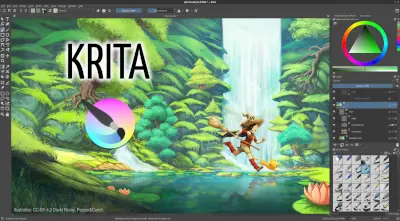
Powerul software is at your disposal, such as GIMP (which functions a bit like the older versions of Adobe Photoshop but with new functionalities), and Krita (more of a drawing and comics creation software).
With a fluid and functional desktop environment, nothing goes in the way of your creative endeavours, and you can let your imagination roam free !
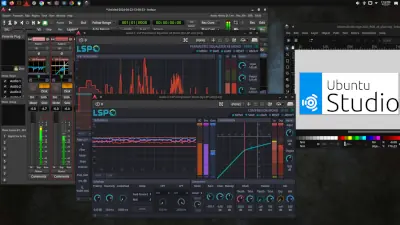
For musicians and composers.
Ubuntu Studio developers and maintainers have accomplished considerable work on the audio side of the distribution.
You have free access to many DAW (Digital audio workstations) : LMMS and Ardour, scores of digital instruments and synthesizers (Yoshimi and its famous “mysterious_bank”…) , tons of under-the-hood optimizations and tweaks to capture audio without latency, and most of all, of many applications and software to manage and connect your instruments, MIDI controllers, microphones and output devices. With Patchance et QjackCtl you can connect all of your equipment to your computer, turning it into a real audio workstation.
Ubuntu Studio is one of the most fully-featured and free solutions available to turn your computer into a professional grade audio studio.
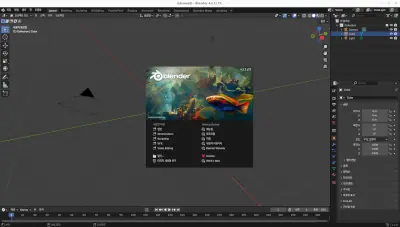
For video editions and 3D.
Ubuntu Studio comes bundled with KDEnlive for video edition, and Bender for 3D modelling, both powerful tools with extensive online and offline documentation.
You can use Ubuntu Studio to create and edit professional quality movies and 3D animations ! Moreover, the system being light on ressources, all your GPU's and CPU's power is going to your tasks rather than on background processes and advertising.
Same as with vanilla Ubuntu, Studio is compatible with almost all GPUs, and provides optional proprietary nVidia drivers.
Let's see some use cases and benefits of Ubuntu Studio for multimedia creation :
-
Idéal in a dual-boot setup.Ubuntu Studio is ideal for dual-boot setups, that means you have multiple operating systems on a physical computer, and select the one you want during the boot sequence. For example : having openSUSE and Windows 11 side-b-side on a computer.
Why do this ? It's a good way to keep your daily operating system clean and free from clutter, and your multimedia creation system free from all kinds of Office software which it doesn't need. Keep each space tidy, and fully dedicated to their usage.
(To be fair, it could work in a virtual machine, but it would require more work to setup passthroughs from physical jack or MIDI connections to virtual ones, and even more work if there are GPUs and 3D involved.) -
A powerful low-tech project at hand's reach.Ubuntu Studio, being optimized and light on ressources, étant bien optimisé et léger, can run even on older or less powerful hardware, such as secondhand or reduced form factor PCs. As long as they have at least some USB and jack ports, low-tech computers can be turned into full fledged digital audio workstations to record and mix your music without breaking the bank !
However for videos and especially 3D, low-tech is not always the best choice, that's true, but for audio and drawing it's a smart choice that lets you start creating and editing your art right now even on a shoestring budget ! (We know, struggling artists and all...)
It's also an effective' recycling project that reduces your carbon footprint ! -
Compatible with many third-party equipment.Being sourced from Ubuntu, Studio follow the same principles regarding third-party equipment : maximal compatibility even if it means installing some proprietary drivers.
Be it for GPUs to create 3D animations or to stream via OBS (also included in Ubuntu Studio by the way), or external sound cards and drawing tablets : most third party hardware is compatible and works out-of-the-box on Ubuntu Studio.
Moreover, Ubuntu being a major name in the Linux world, many additional drivers are available online, provided directly by hardware companies and are easy to install, with some help or tutorials.

-
Reduce our costs.Using Ubuntu Studio allows for significant acquisitions and usage costs, since many open-source solutions are already installed and configured out-of-the-box, but also hardware costs, as the system can run even on cheaper, less powerful or slightly outdated hardware.
-
The open-source philosophy in practice.For engaged artists and creators, it can be important to use free tools available to the greatest number without barriers. By choosing Ubuntu Studio for your art, you support a free and open-source operating system, which is not locked down behind barriers of costs, licensing, or even sometimes political choices : the operating system belongs to everybody and provides free professional grade tools to the world, even its poorest inhabitants.
-
A gateway to the world of Linux.While Ubuntu Studio is simple and easy to use, all the software included functions like typical Linux and UNIX applications.
If you like to know how things work under the hood, Ubuntu Studio is a great and practical way to get familiar with Linux-based systems, with hands-on creative use cases.
You will get to know all about sound servers, ALSA, JACK, and much more, while pursuing your creative and artistic endeavours in a fun and engaging way !
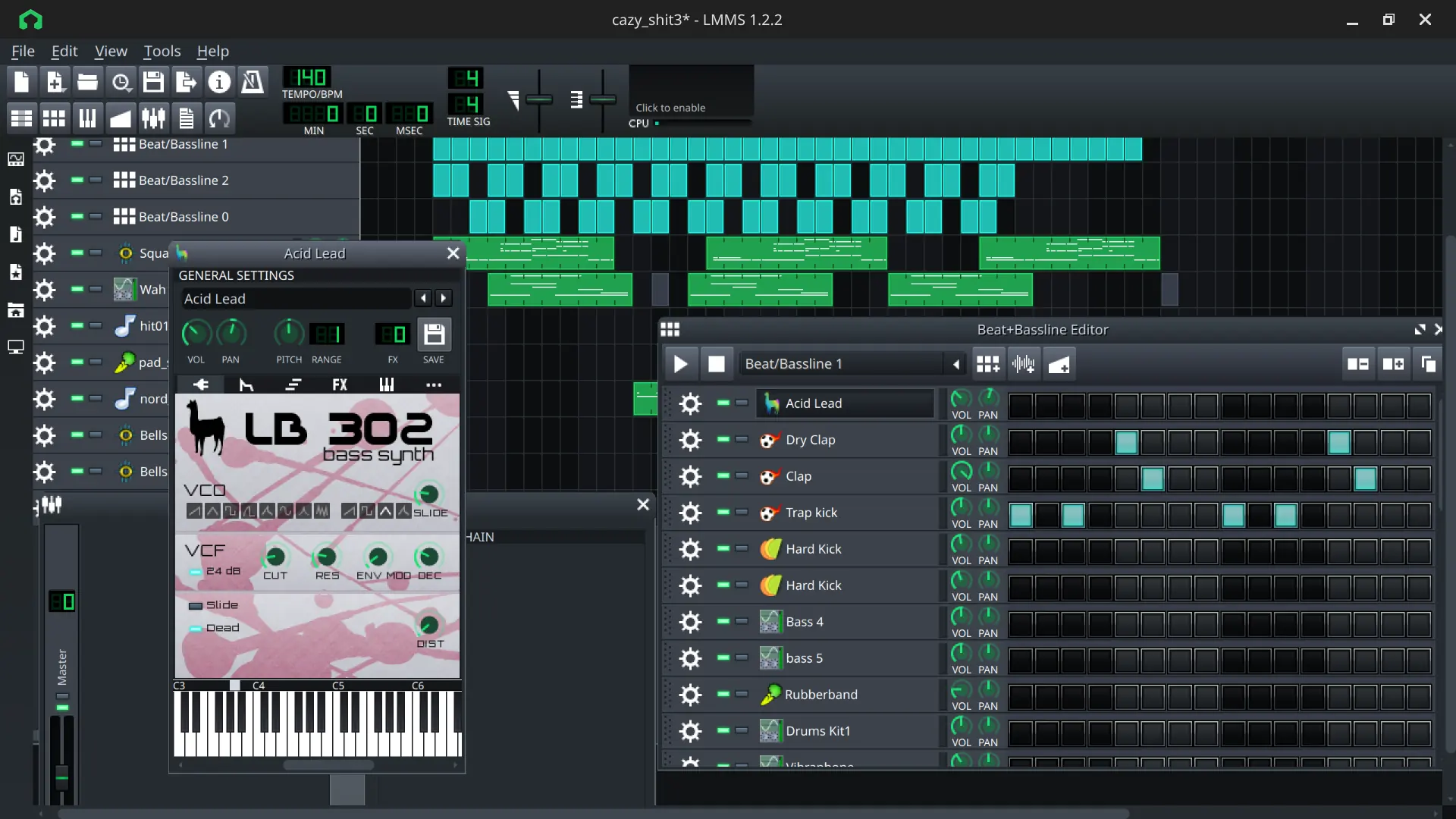
LMMS is one of the included DAW, and lets you create music in an almost game-like manner, while offering myriads of instruments.
Click on the picture to enlarge it.
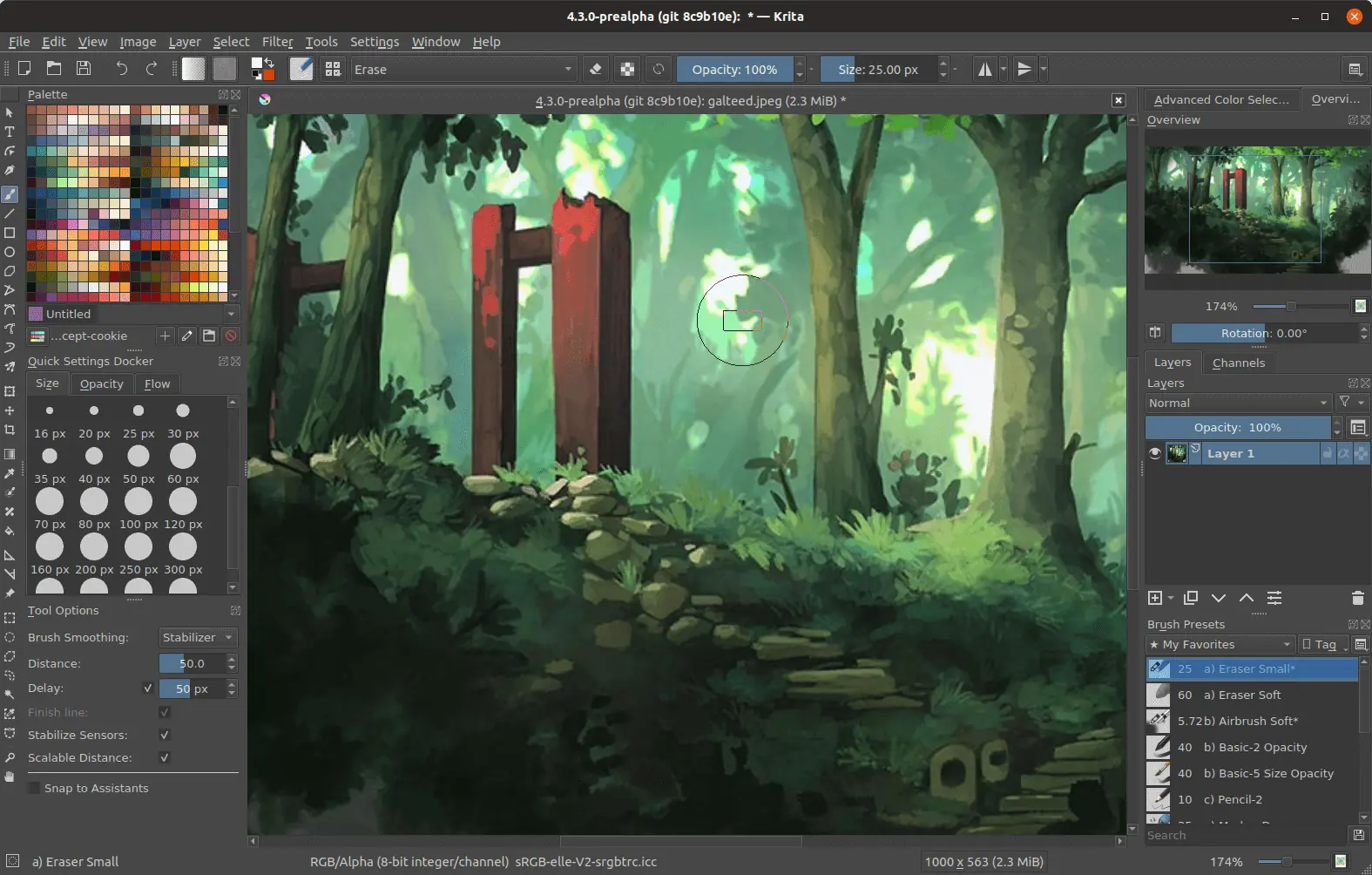
Krita is really Linux's flagship artistic drawing software.
Click on the picture to enlarge it.
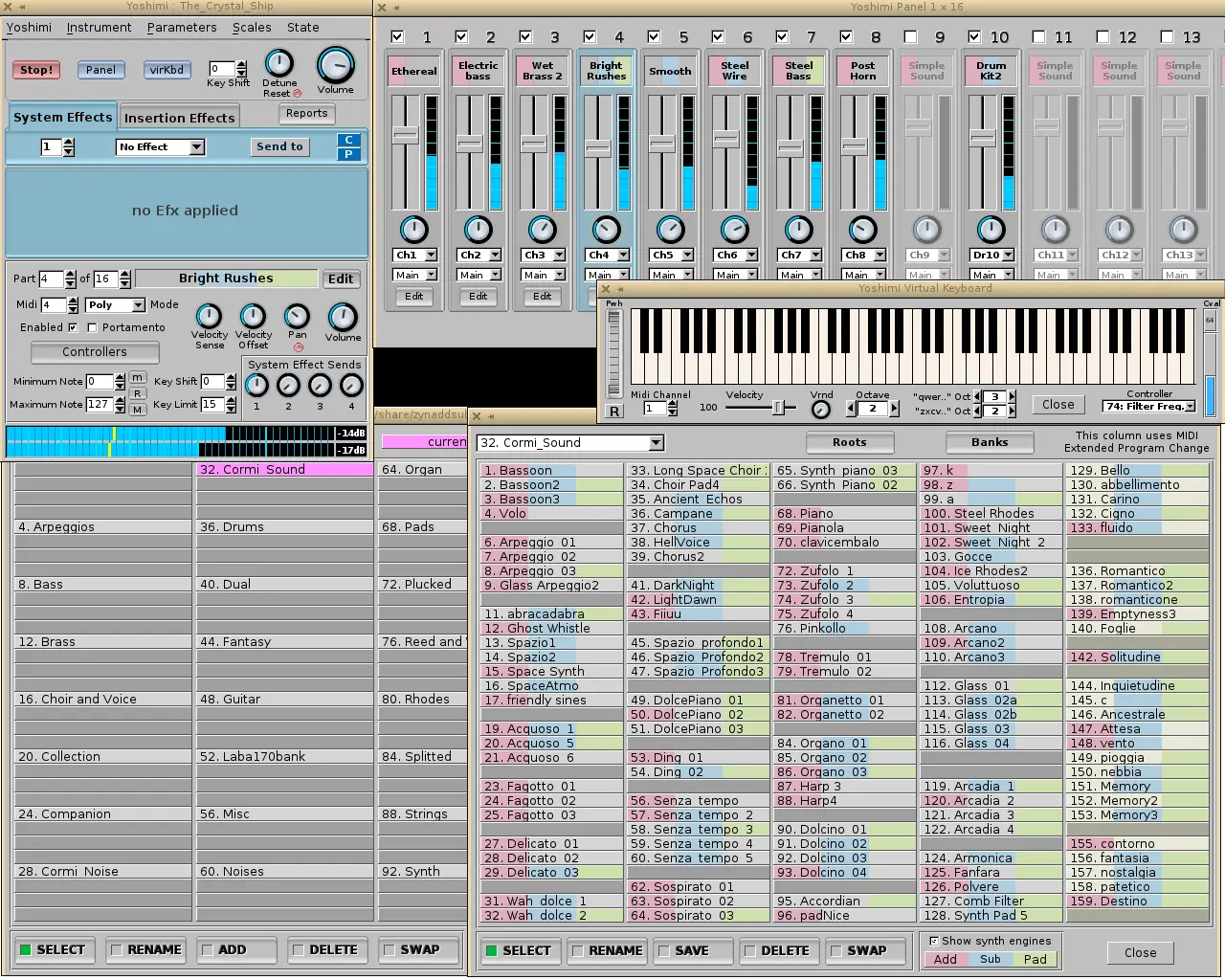
You can connect your instruments via MIDI and synthesize on your computers to create sounds from outer space...
Click on the picture to enlarge it.
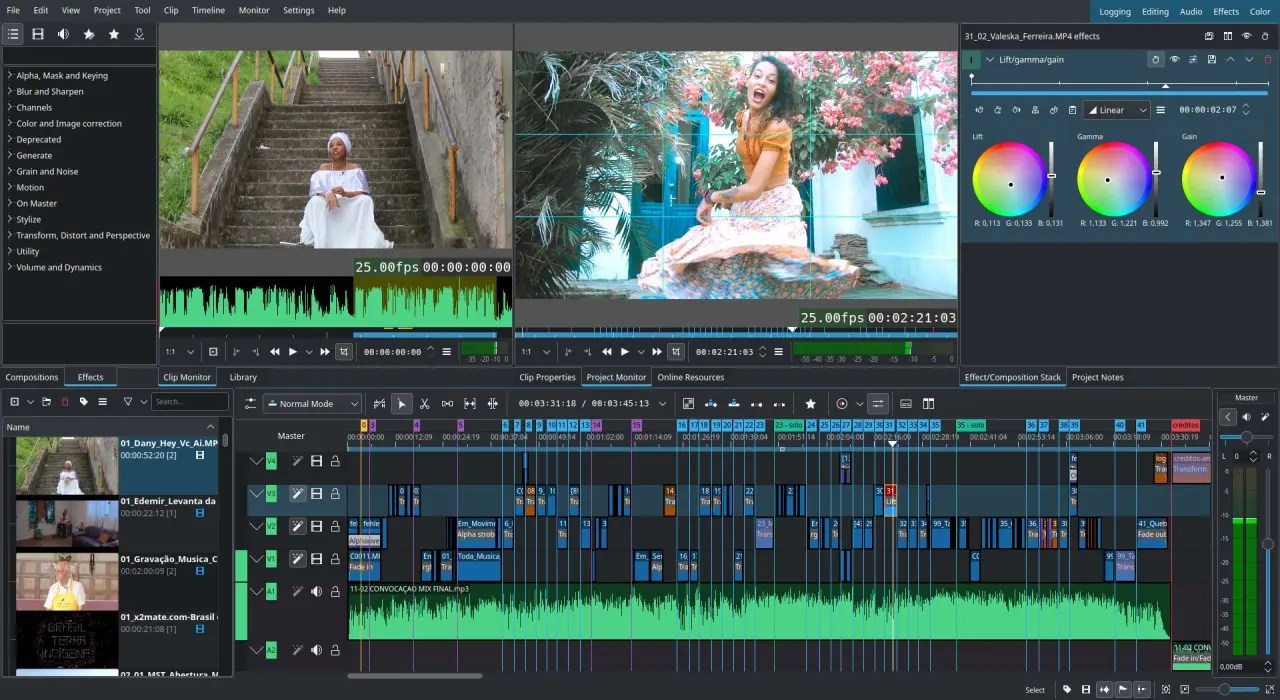
Kdenlive lets you create professional-grade videos for free.
Click on the picture to enlarge it.
Ubuntu Studio is a complete creativity and art software solution for your computer, turning your machine into a full-fledged studio, free of charge and free of any subscription, respecting your privacy and data.
With powerful capabilities and great optimization, it is a unique Linux distribution, created by passionate people and geared towards artists and all kinds of digital creators !